About this product
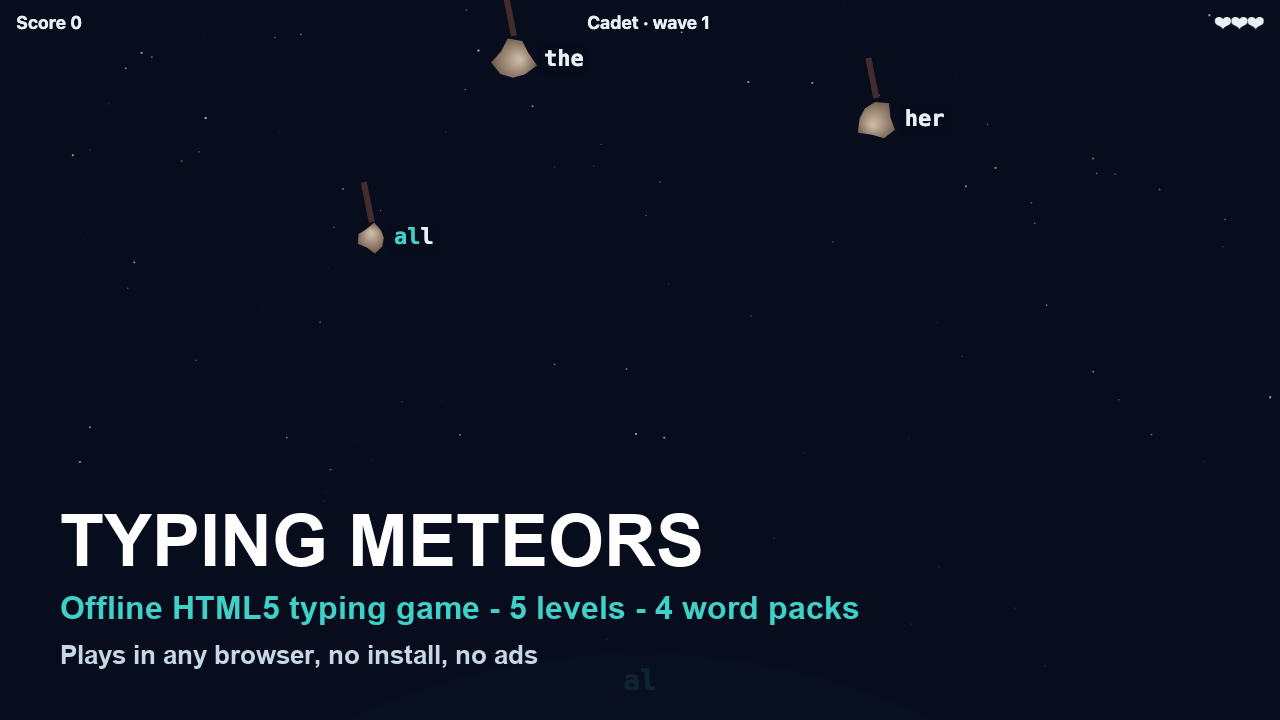
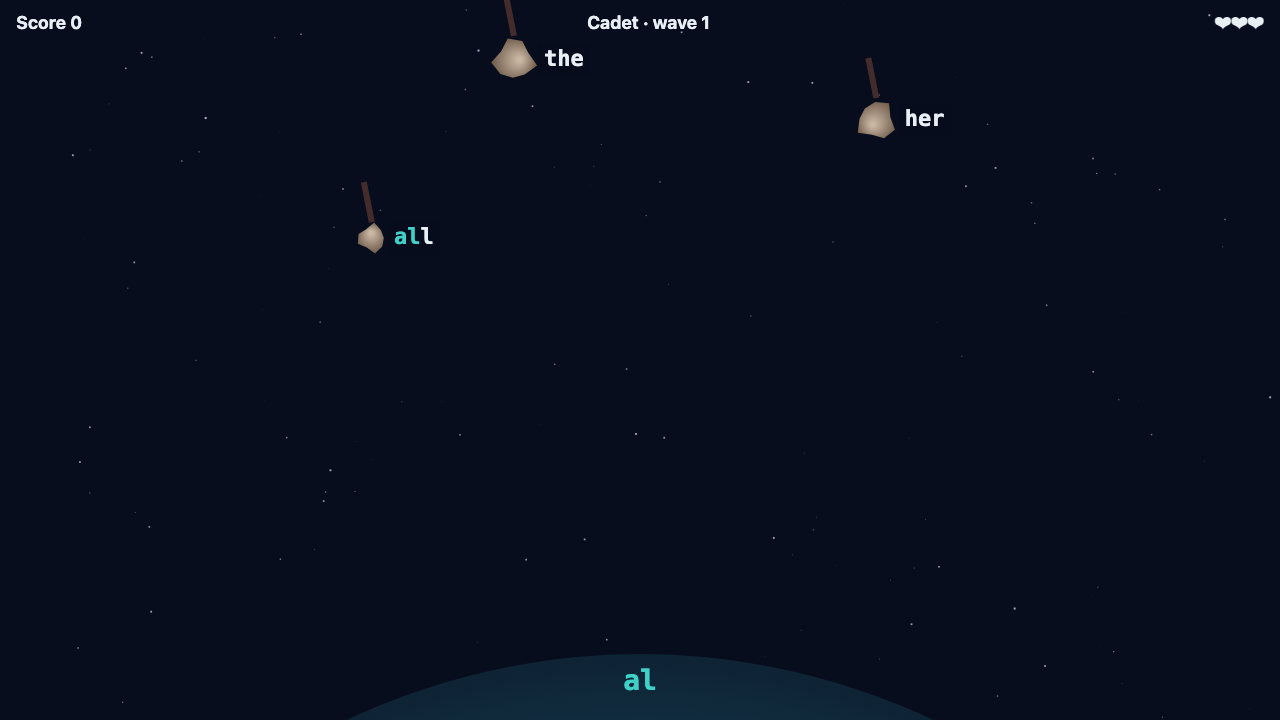
Typing Meteors turns typing practice into a short arcade game. Words fall towards your planet; type a word and its meteor explodes. Letters you have typed correctly light up, so beginners always see where they are. Keep a streak for a combo bonus, catch golden meteors to slow time, and survive the waves that get faster every fifteen words.
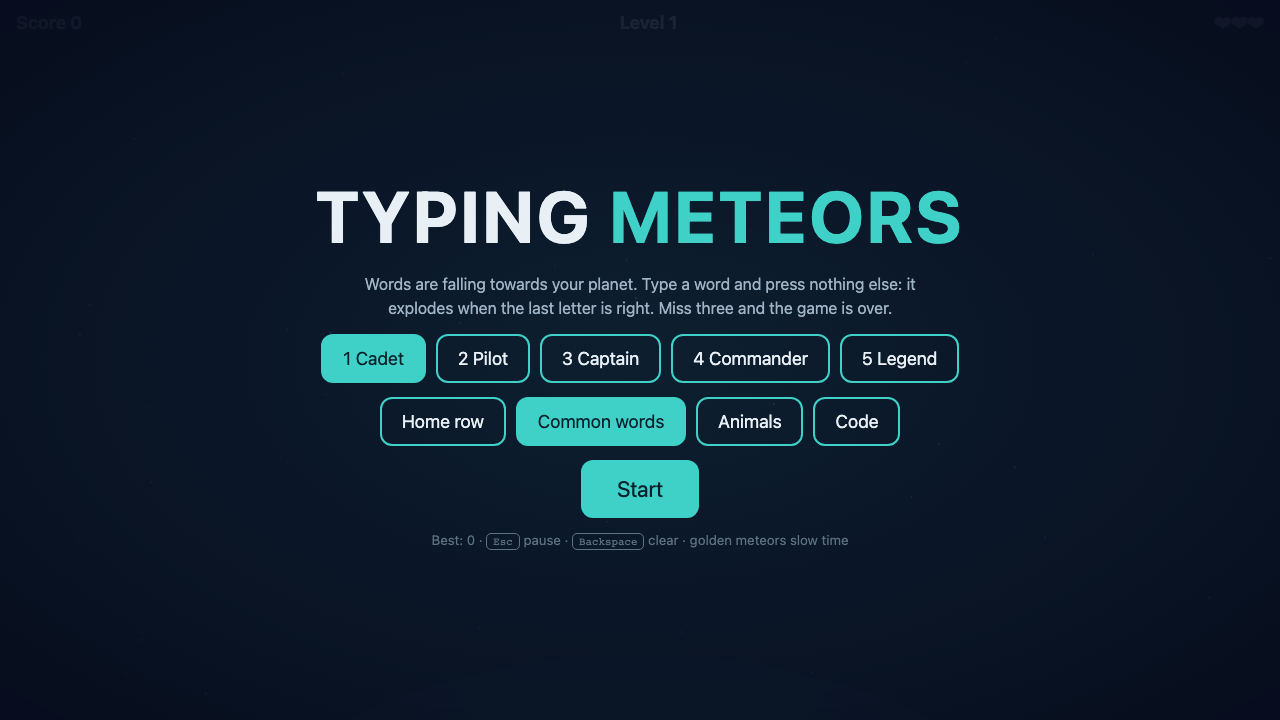
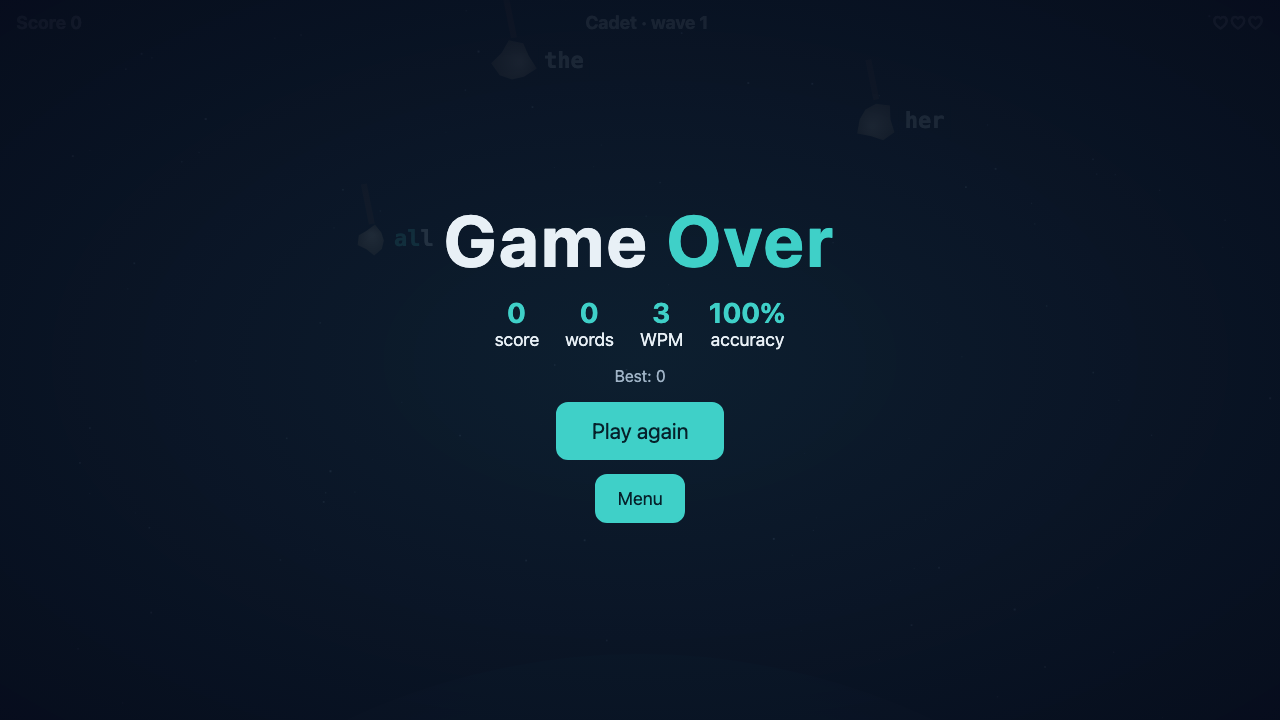
Start with the Home row pack to build finger memory, move on to the hundred most common English words, then try Animals or Code. After each game you get your words per minute and accuracy, so progress is easy to see.
The whole game is one HTML file with our own graphics and sound: no install, no ads, no tracking. Teachers can add their weekly spelling words in a minute.
Why it helps: Practise touch typing without it feeling like a drill. Track progress with words per minute and accuracy after every game. Safe for kids: no ads, no chat, no internet.
Common questions
What do I need to play? Any modern browser on Windows, Mac, Linux or a Chromebook. Double-click the file; no install, account or internet.
Does it work on tablets? Yes with a keyboard; the on-screen keyboard also works but a real keyboard is best for typing practice.
Can I use it in my classroom? Yes, the licence covers one school class. Put the file on a shared folder or USB stick.
Can I change the words? Yes: the word lists are plain text at the top of the file, so you can add spelling words or vocabulary.
Are there ads or tracking? No. Nothing is sent anywhere; your best score is stored only in your browser.