 Hidden
Planners · Plainwork
Project Planner & Gantt Chart (Excel)
Task list with dependencies, an automatic Gantt chart, milestones, workload by owner and a weekly status page.
One-time price, VAT includedExcel and Google SheetsDownload link by email
Try it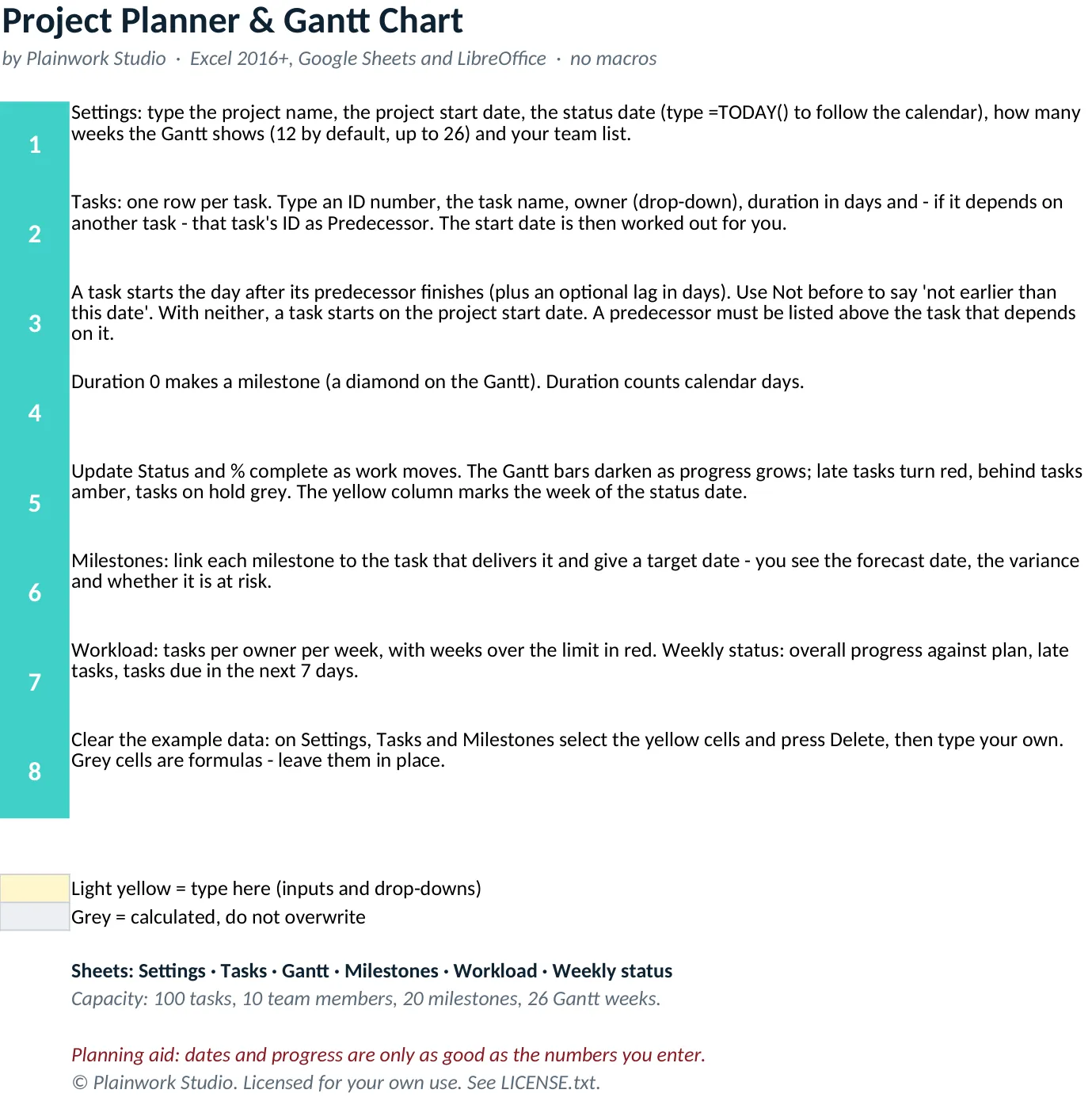
Use the real workbook before you buy.
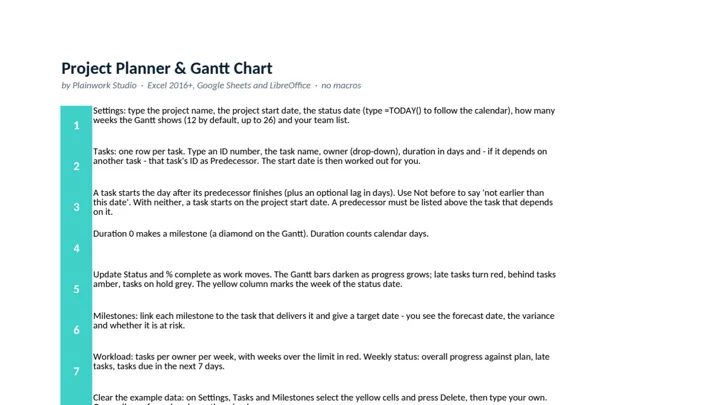
Open the actual sheets of this file, see what each yellow area does, and change the key number to see what the workbook calculates.
Explore a preview with sample inputs. The downloadable workbook is the full product.
What you get
Built, tested, ready to use.
- Task table with owner, duration, predecessor, lag, optional not-before date, status and % complete (100 tasks)
- Start and finish dates are calculated: a task starts the day after its predecessor finishes, so changing one date moves the tasks that depend on it
- Gantt chart drawn by conditional formatting from the dates: 12 weeks by default, up to 26; progress shading, red for late tasks, amber for behind, diamonds for milestones
- Milestones sheet with target date, forecast date, variance in days and an On track or At risk status
- Workload by owner and week, with weeks over your parallel-task limit shown in red
- Weekly status page: percent complete against plan, tasks by health, late tasks and tasks due in the next 7 days
In the download
- project-planner-gantt.xlsx - workbook with 7 sheets (Start here, Settings, Tasks, Gantt, Milestones, Workload, Weekly status)
- README.txt - quick start, how the dates are calculated, Google Sheets notes
- LICENSE.txt - licence terms
Personal or business use. Not for resale. Refunds: see our refund page.